


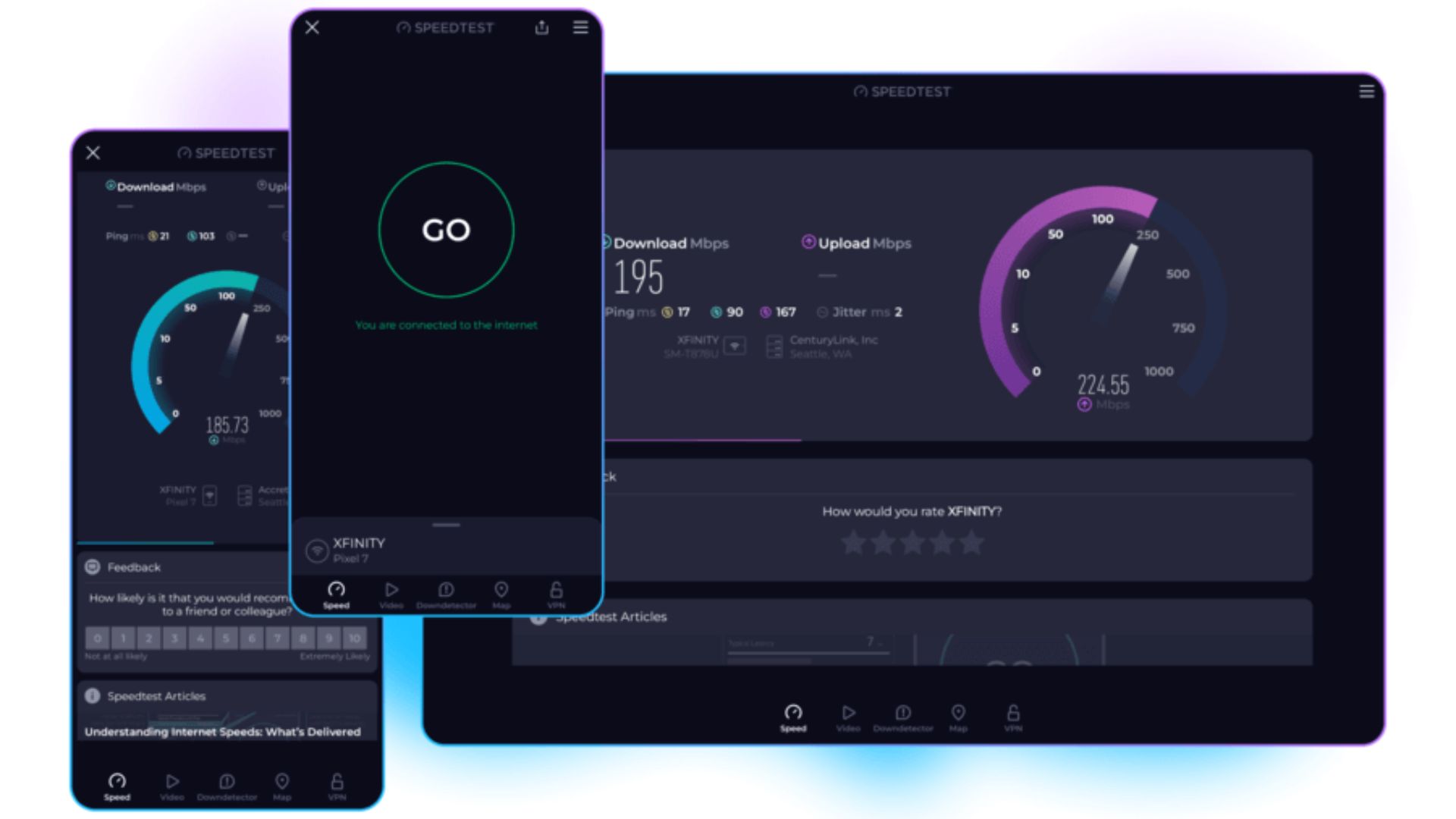
In the digital age, the speed of your internet connection significantly impacts your online experience. From streaming videos in high definition to joining video calls and downloading files, your internet speed plays a crucial role in ensuring smooth and uninterrupted activities. A speedtest is an essential tool to measure and analyze the performance of your internet connection, providing insights into download and upload speeds, latency, and overall network reliability.
This guide will explore everything you need to know about speedtest, including its benefits, how it works, the types of tests available, and how to interpret the results.
What is a Speedtest?
A speedtest is an online tool that measures the performance of your internet connection. It provides real-time data on key parameters such as:
- Download speed: The rate at which data is transferred from the internet to your device.
- Upload speed: The rate at which data is sent from your device to the internet.
- Ping (latency): The time it takes for a signal to travel from your device to the server and back.
Understanding these metrics is critical for identifying network issues, ensuring your internet service provider (ISP) delivers what they promise, and optimizing your online experience.
How Does a Speedtest Work?
A speedtest works by sending small data packets from your device to a server and back. This process measures how quickly your device can send and receive data. The test also calculates the latency, which indicates the responsiveness of your connection.
Most speedtest tools automatically select a server near your location to provide accurate results. Some advanced tools allow users to manually choose servers in different regions to test international connectivity or troubleshoot network issues.
Why You Should Regularly Use a Speedtest
Using a speedtest regularly can help you:
- Verify your internet plan – Check if your ISP delivers the promised speeds.
- Identify network issues – Detect slow connections or high latency that could impact your activities.
- Optimize Wi-Fi performance – Determine if router placement or interference affects speed.
- Troubleshoot device problems – Identify if certain devices are slowing down your network.
Consistent testing ensures you get the best possible internet performance for work, gaming, or streaming.
Types of Internet Speed Tests
There are several types of speedtests available, each providing unique insights:
Download Speed Test
This test measures how quickly data is transferred from the internet to your device. High download speed is crucial for activities like streaming movies, video conferencing, or online gaming.
Upload Speed Test
Upload speed measures how fast your device can send data to the internet. It is essential for sending emails with large attachments, uploading videos, and cloud-based activities.
Latency Test (Ping Test)
Latency measures the time taken for data to travel to a server and back. Low latency is vital for real-time applications like online gaming and video calls, where delays can cause interruptions.
Jitter and Packet Loss Test
Some advanced speedtests measure jitter (variation in latency) and packet loss (lost data packets), which help assess the stability and reliability of your connection.
Best Practices for Accurate Speedtest Results
For accurate results, follow these tips when performing a speedtest:
- Connect your device directly to the modem using an Ethernet cable.
- Close all unnecessary applications and devices using the network.
- Run multiple tests at different times of the day to get a comprehensive view.
- Ensure your device’s software and drivers are updated.
Following these practices ensures the results reflect your actual internet performance, not temporary fluctuations.
How to Perform a Speedtest on Different Devices
On a Computer
Open a web browser and visit a trusted speedtest website. Click on “Start Test,” and wait for the results to display download, upload, and ping speeds.
On a Smartphone or Tablet
Many speedtest apps are available on iOS and Android. Download the app, connect to your network, and perform the test. Mobile devices may have slightly lower speeds due to Wi-Fi limitations.
Using a Smart TV or Gaming Console
Some smart TVs and consoles allow in-built speed testing. This helps ensure optimal streaming and online gaming performance.
Understanding Your Speedtest Results
After running a speedtest, you’ll see results for download, upload, and ping. Here’s what these numbers mean:
- Download speed: Measured in Mbps (megabits per second). Higher speeds mean faster downloads.
- Upload speed: Measured in Mbps. Important for cloud storage and video calls.
- Ping: Measured in milliseconds (ms). Lower ping indicates quicker response times, critical for gaming.
Compare these results to your internet plan to see if your ISP is providing the promised speeds.
Factors That Affect Speedtest Accuracy
Several factors can impact the results of a speedtest:
- Network congestion: Multiple users can slow down your connection.
- Distance from the router: Greater distance can reduce Wi-Fi speed.
- Hardware limitations: Older devices may not support high speeds.
- Server selection: Using distant servers can increase latency.
Understanding these factors helps you troubleshoot and optimize your network.
Free vs Paid Speedtest Services
Free Speedtest Tools
Free tools provide basic speed measurements for personal use. Popular options include websites and mobile apps that allow unlimited testing without cost.
Paid Speedtest Services
Paid services often offer advanced analytics, historical performance tracking, and dedicated servers for more accurate measurements. Businesses and network administrators may benefit from paid options to ensure optimal network performance.
How to Improve Your Internet Speed After a Speedtest
If your speedtest results show lower than expected speeds, try the following:
- Restart your modem and router.
- Update firmware on your router and devices.
- Minimize interference by relocating your router.
- Use wired connections for critical devices.
- Contact your ISP if speeds remain low consistently.
Improving your network setup can lead to noticeable improvements in online performance.
Common Misconceptions About Speedtest
“Higher Download Speeds Always Mean Better Internet”
While download speed is important, other factors like latency, upload speed, and network stability also impact overall performance.
“Mobile Networks Are Always Slower Than Wired Connections”
Mobile networks can sometimes deliver high speeds depending on coverage, 5G availability, and congestion levels.
Importance of Regular Speedtesting for Remote Work
With the rise of remote work, reliable internet has become essential. Performing regular speedtests ensures:
- Stable video conferencing without interruptions.
- Smooth file uploads and downloads for collaboration.
- Quick resolution of network issues that could impact productivity.
Businesses can also use speedtest results to justify upgrading plans or switching ISPs.
Speedtest for Gaming and Streaming
Gamers and streamers rely heavily on high-speed and low-latency connections. A speedtest helps ensure:
- Reduced lag and delays in multiplayer games.
- High-quality streaming without buffering.
- Consistent network performance during live broadcasts.
Many gaming platforms recommend specific ping and download/upload speeds for optimal performance.
Popular Speedtest Tools and Apps
Some widely used speedtest tools include:
- Speedtest by Ookla – Offers detailed metrics and server selection.
- Fast.com – Simple and easy-to-use for basic speed testing.
- Google Speed Test – Accessible via search engine for quick checks.
Each tool has unique features, so choose one based on your needs.
FAQs About Speedtest
Q1: How often should I run a speedtest?
A1: For personal use, running a speedtest once a month is sufficient. For troubleshooting or business networks, more frequent testing may be necessary.
Q2: Can a speedtest improve my internet speed?
A2: No, a speedtest only measures performance. However, it can help identify issues to improve speed.
Q3: Why are my speedtest results lower than advertised?
A3: Factors like network congestion, Wi-Fi interference, and device limitations can cause lower results.
Q4: Is speedtest safe to use?
A4: Yes, reputable speedtest tools do not store personal data and are safe for use.
Q5: Does VPN affect speedtest results?
A5: Yes, using a VPN can slow down your connection and increase latency.
Conclusion
A speedtest is an essential tool for anyone using the internet, whether for work, gaming, streaming, or daily browsing. By regularly testing your connection, you can ensure you receive the speeds promised by your ISP, troubleshoot network issues, and optimize your devices for the best performance. With a variety of free and paid tools available, understanding how to run a speedtest and interpret the results is crucial for maintaining a fast, reliable, and efficient internet experience.
By implementing the tips and insights from this guide, you can make the most of your internet connection and enjoy uninterrupted online activities. Remember, a well-performing network starts with regular monitoring and smart optimization strategies.
